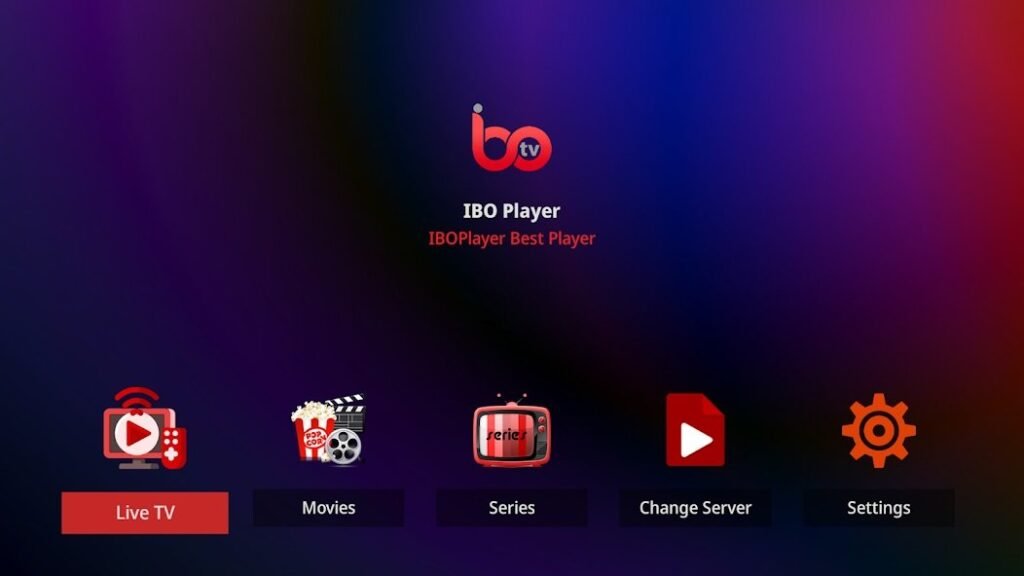
Ibo Player is a powerful and user-friendly IPTV app that allows you to stream live TV, movies and series conveniently. With the right settings and a good understanding of the features, you can enhance your experience even further. Here are the best tips and tricks to get the most out of Ibo Player:
1. correct installation and initial setup
Correct installation is the first step. Download the app from the official store (e.g. Google Play or App Store) and follow the instructions for the initial setup. Make sure that your IPTV playlist is compatible and that you have entered the activation code correctly.
Pro tip: Use a strong WLAN signal during installation to avoid connection interruptions
2. test different IPTV providers
The quality of your content depends largely on the playlist of your IPTV provider. Make sure you choose a provider that offers high-quality streams, short loading times and a wide selection of channels.
Recommendation: Many providers offer test playlists. Use these to compare different providers before deciding on one.
3. use external players for more flexibility
Ibo Player supports the integration of external players such as VLC or MX Player. These can be helpful if you want to play certain formats or if you need to adjust the streaming quality.
Advantage: External players often offer additional customization options, such as subtitle adjustments or advanced audio settings.
4. sort and filter channels individually
A large playlist can quickly become confusing. Use Ibo Player's filter and sorting options to organize your channels by category (e.g. sports, movies, news).
Extra tip: Create your own favorites lists so that you can always find your favorite channels immediately.
5. activate child-friendly settings
If children have access to your IPTV playlist, you can use Ibo Player's parental control settings to block inappropriate content. Set a password to protect certain channels or categories.
6. optimize streaming quality
A stable internet connection is crucial for uninterrupted streaming. Make sure that your connection is at least 10 Mbps for HD streams and 25 Mbps for 4K content.
Tip: If your connection is weak, set a lower resolution in the settings to minimize buffering.
7. use the time-controlled recording function
With Ibo Player's recording function, you can save programs and watch them later. This is particularly useful if you don't want to miss live events or series.
Note: Make sure that your device has enough storage space if you use this function frequently.
8. use multi-screen mode
Ibo Player's multi-screen mode allows you to watch several streams at the same time. This is ideal, for example, for watching different sporting events in parallel or for multitasking.
Prerequisite: Make sure that your device is powerful enough to play multiple streams without delay.
9. activate automatic updates
Updates are important to get new features and fix security issues. Activate the automatic update function in your app store to ensure that you are always using the latest version of Ibo Player.
10. use VPN for more security
A VPN (Virtual Private Network) protects your data and allows you to bypass geographical restrictions. This is particularly helpful if you want to stream content from different regions.
Recommendation: Choose a VPN with high speed and no data limit so as not to affect your streaming experience.
11. customize subtitles and audio options
If you watch movies or series in a foreign language, subtitles can be very helpful. Ibo Player supports the integration of subtitles and the selection of different audio tracks.
Pro tip: Use platforms like OpenSubtitles.org to find subtitles for your favorite content.
12. solve problems quickly
If you encounter problems, such as disconnections or playlists not loading, try the following steps:
- Check your Internet connection.
- Update the app.
- Upload your playlist again.
- Contact the support of your IPTV provider.
13. use the cloud integration
If you want to use your playlists on multiple devices, save them in the cloud. This allows you to access them and synchronize settings from anywhere.
14. activate ad-free version
Although Ibo Player is free in the basic version, you can remove annoying ads and enjoy an even better user experience by purchasing the ad-free version.
With these comprehensive tips, your experience with Ibo Player will not only be more efficient, but also much more enjoyable. Try out the various functions and customize the app to your individual needs. Have fun streaming! 😊