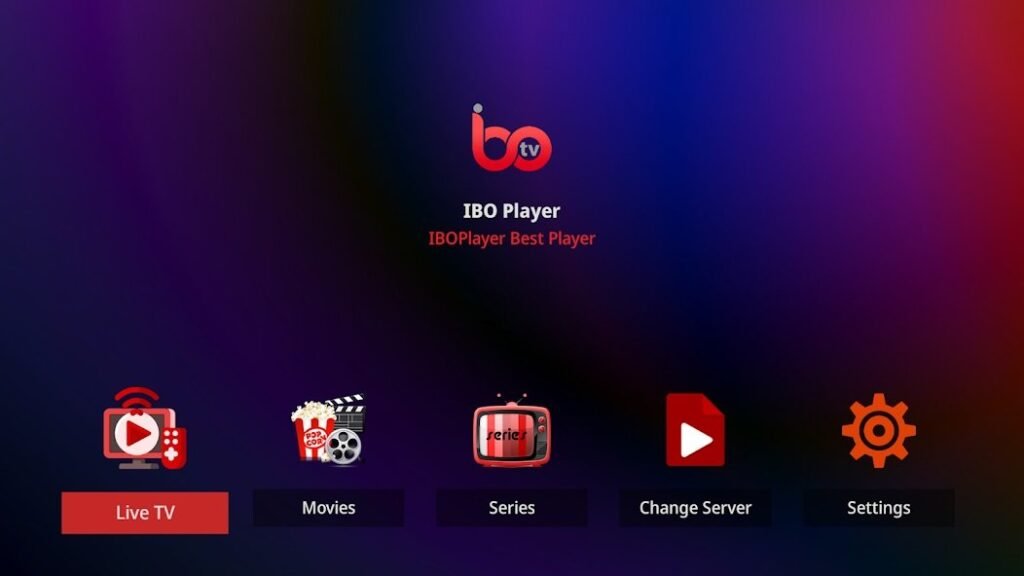
The IBO Player is a powerful IPTV app, but like any software, it can occasionally run into problems. Here are the most common challenges and practical solutions to make your streaming experience the best it can be.
1. problems with the IBO Player app activation
Symptom:
After installing the app, activation cannot be carried out or the activation code is not accepted.
Solution:
- Check whether you have downloaded the correct app version.
- Make sure that you have entered the activation code correctly (case sensitive).
- If the problem persists, request a new code from the provider.
2. no connection to the IBO Player Playlist
Symptom:
The playlist does not load or shows error messages.
Solution:
- Make sure that your Internet connection is stable.
- Check whether the playlist URL has been entered correctly.
- Test the URL in a browser to ensure that it is active.
- Delete the app data and add the playlist again.
- If the error persists, check whether the playlist has expired or whether there are access restrictions imposed by the provider.
3. stuttering or poor streaming quality with IBO Player
Symptom:
The picture is jerky or the quality is poor.
Solution:
- Check your internet speed. At least 10 Mbit/s should be available for HD streaming.
- Use an Ethernet cable instead of WLAN to ensure a more stable connection.
- Reduce the streaming quality in the app settings if your bandwidth is limited.
- Close other applications that could use up your bandwidth.
4. IBO Player app crashes or quits unexpectedly
Symptom:
The app crashes or stops responding.
Solution:
- Uninstall the app and reinstall the latest version.
- Check whether your device has sufficient storage space.
- Update the operating system of your device.
- If the problem persists, reset the app settings.
5. no sound for videos on IBO Player
Symptom:
The video is played, but there is no sound.
Solution:
- Check the volume settings of your device.
- Make sure that the audio output is configured correctly.
- Test the playback with another video or channel.
- If the problem persists, restart your device or reset the audio settings.
6. problems with registration with the IBO Player provider
Symptom:
The login to the IPTV service does not work.
Solution:
- Check your access data and make sure that the subscription is active.
- Contact your provider's customer service if the problem persists.
- Make sure that your IP address has not been blocked, especially if you are accessing the service from abroad.
7. screen remains black with IBO Player
Symptom:
After starting the app, the screen remains black.
Solution:
- Close the app and restart it.
- Delete the app cache.
- Reinstall the app and make sure you are using the latest version.
- Check whether the problem is limited to a specific network or device.
Symptom:
Certain media content cannot be played.
Solution:
- Check whether the playlist contains the supported formats.
- Update the app to the latest version.
- Contact your provider to ensure that the content is provided in a compatible format.
9. problems with network stability with IBO Player
Symptom:
Disconnections or long loading times when starting streams.
Solution:
- Use a wired network if possible.
- Check your router settings and perform a restart.
- Disable firewall or security applications that could affect the connection.
- Use a VPN if your Internet provider throttles IPTV traffic.
10. problems with the playback of IBO Player on Smart TVs
Symptom:
The app does not respond or only shows limited functions on Smart TVs.
Solution:
- Update the firmware of your Smart TV.
- Reinstall the app and reset the TV settings.
- Make sure your Smart TV is compatible with the latest security protocols.
Conclusion
With these tips and solutions, most problems with IBO Player should be solved quickly. If you still have difficulties, we recommend contacting customer support or the provider's user forum. This way, nothing stands in the way of a smooth IPTV experience!