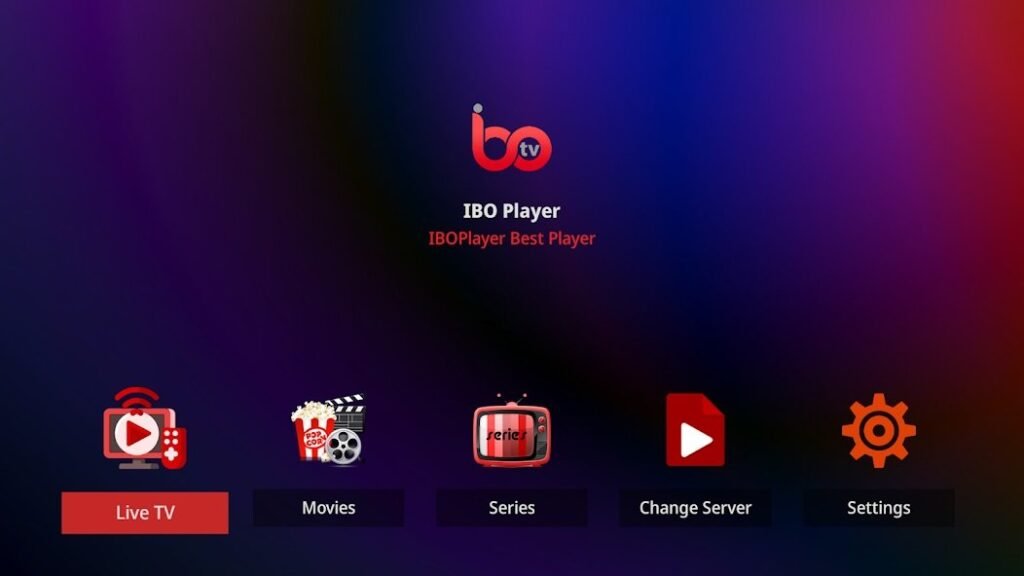
IBO Player has established itself as one of the most popular IPTV apps, providing users worldwide with access to numerous TV channels and streaming content. To enjoy a smooth and high-quality streaming experience, it is crucial to know which devices are compatible with IBO Player. In this article, we give you a comprehensive overview of all compatible platforms and devices as well as valuable tips for optimal use.
1. smart TVs: perfect for the home cinema experience
Smart TVs are one of the best options for using IBO Player. The app can be downloaded directly from the respective app stores and offers an intuitive user interface for a pleasant viewing experience.
Supported models:
- Samsung Smart TVs: Compatible with models from 2016 (Tizen OS).
- LG Smart TVs: Works on devices with webOS (version 3.0 or higher).
- Android-based smart TVs: IBO Player is available in the Google Play Store and can be installed on all Android TVs.
Installation tips:
Make sure that your TV software is up to date to avoid compatibility issues. Download the IBO Player app directly from your TV's app store and follow the instructions to activate it.
2. streaming devices: flexibility for every TV model
If your TV is not directly compatible with the IBO Player app, streaming devices can be an excellent alternative.
Popular options:
- Amazon Fire TV Stick: A versatile device that is easy to set up and supports the IBO Player.
- Nvidia Shield TV: Offers powerful streaming with Android compatibility.
- Google Chromecast with Google TV: Enables streaming of IPTV content with simple operation.
Advantages:
Streaming devices are portable and allow you to stream content to any TV with an HDMI connection.
3. mobile devices: streaming on the go
For users on the move, IBO Player also offers excellent compatibility with mobile devices.
Supported platforms:
- Android: Available for smartphones and tablets with Android 5.0 or higher.
- iOS: Compatible with iPhones and iPads from iOS 11.0.
Installation:
Simply download the app from the Google Play Store or the Apple App Store and activate your playlist. Remember to ensure a stable internet connection for smooth streaming.
4. computers and laptops: flexible streaming at work or at home
Although IBO Player was primarily developed for mobile and TV platforms, you can also access it on computers and laptops.
Possible solutions:
- Windows PCs: Use an Android emulator like BlueStacks to run the IBO Player app.
- macOS devices: An Android emulator such as NoxPlayer also works here.
Tip:
A large screen and powerful speakers ensure an optimal streaming experience.
5 Android TV boxes: The versatile solution for IPTV
Android TV boxes are an excellent choice for users looking for maximum flexibility and performance when streaming IPTV.
Recommended models:
- Xiaomi Mi Box: Easy to set up and powerful.
- Other models: Any Android-based TV box that offers access to the Google Play Store is compatible.
Advantages:
These boxes transform even older televisions into smart streaming platforms and offer access to numerous apps.
Tips for a better streaming experience
To get the best out of IBO Player, you should follow these tips:
- Stable Internet connection: Make sure that your connection is at least 10 Mbit/s for HD streaming.
- Use of a VPN: Protect your privacy and bypass geo-restrictions with a secure VPN.
- Regular updates: Keep both the IBO Player app and the software of your device up to date.
- Playlist management: Organize your IPTV playlist for quick access to your favourite channels.
Conclusion IBO Player remains an excellent choice for anyone who wants to enjoy their favorite content flexibly and on different devices.
IBO Player offers users a versatile and user-friendly IPTV experience on a wide range of devices. From smart TVs and streaming devices to mobile devices and computers, the wide compatibility makes the app the ideal choice for IPTV fans. Make sure to keep your devices up to date and use a stable network to enjoy streaming to the fullest.