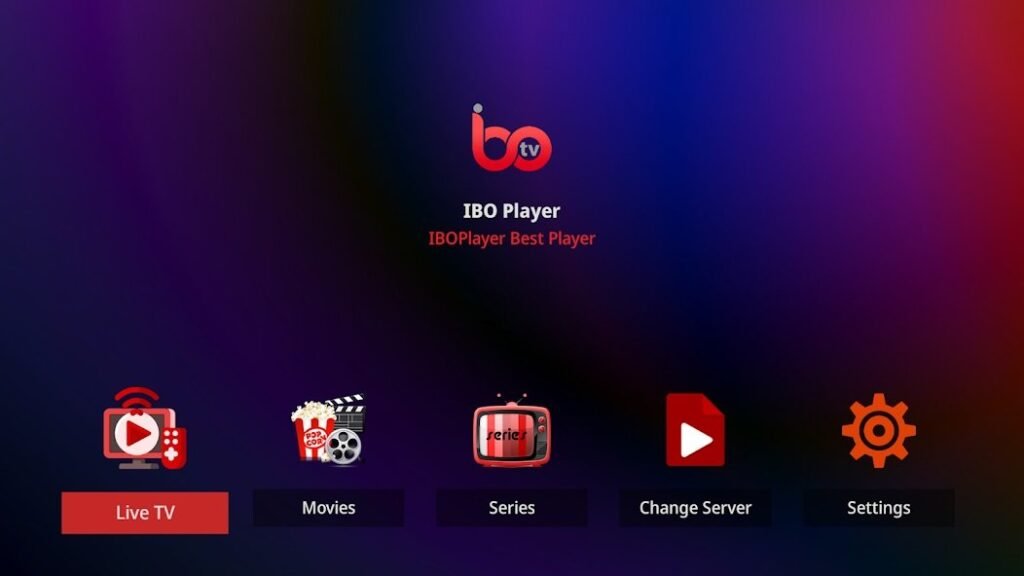
With IBO Player, you have a powerful app that makes streaming live TV, movies and series child's play. But to realize the full potential of this IPTV-app, there are numerous ways to optimize it. From technical settings to customizing the user interface, here are the best tips and tricks to help you enjoy the ultimate streaming experience.
1. set up the playlist correctly
The first and most important step is to set up a functioning IPTV playlist.
- M3U URLs and Xtream codes: Make sure that your IPTV provider provides compatible formats.
- Updates: Check regularly to see if your playlist has been updated to receive new channels and content.
- Backup list: Save an alternative playlist in case your main list does not work.
💡 Tip: Before uploading the list, test it on a PC to ensure that all content is available.
2. activate EPG (Electronic Program Guide)
The electronic program guide makes watching television with IBO Player particularly convenient.
- Activation: Make sure that your playlist supports EPG integration.
- Time zone adjustment: Select the correct time zone in the settings to obtain accurate transmission times.
- Program preview: With EPG you can see at a glance which programs are currently on and what will be broadcast soon.
3. create favorites list and sort categories
A well-organized favourites list saves time and significantly improves your user experience.
- Creation: Save your favorite channels in a separate list with just one click.
- Categories: Sort channels by topics such as sports, news, movies or children's programs.
- Personalization: Arrange the order of the channels so that your favorites are always displayed first.
4. optimize streaming quality
A few technical adjustments are helpful for smooth streaming without interruptions.
- Internet speed: A stable connection with at least 10 Mbps for HD streaming and 25 Mbps for 4K streaming is recommended.
- WLAN vs. LAN: A wired connection generally ensures more stable streaming.
- Buffer settings: If loading problems occur, increase the video buffer in the settings.
💡 Tip: Close all other devices or applications that use up your bandwidth to avoid buffering times.
5. use multi-screen and split-screen function
IBO Player supports the simultaneous playback of multiple contents.
- Split screen mode: Ideal for sports fans who want to watch different games at the same time.
- Picture-in-picture mode: View a program in a small window while you navigate through other content.
- Individual window sizes: Adjust the size of the windows to suit your needs.
6. set subtitles and audio languages
Many contents on IBO Player offer options for subtitles and different languages.
- Activate subtitles: Ideal for foreign-language content or films with poor audio quality.
- Language change: Switch between different audio tracks if they are available.
- Subtitle customization: Adjust the font size and color of the subtitles to improve the reading experience.
7. ensure security and data protection
As IPTV apps are often based on the Internet, you should take measures to protect your privacy.
- Use VPN: A VPN protects your data and enables access to content that may be blocked in your region.
- No storage of personal data: IBO Player does not store any information about your playlists or access data.
- Regular updates: Always keep the app up to date to avoid security gaps.
💡 Tip: Use a reputable VPN with fast connections to prevent streaming delays.
8. install regular updates
Updates are crucial to keep the performance and security of IBO Player up to date.
- Improved stability: Updates often fix bugs and improve app performance.
- New functions: Benefit from additional features that improve the streaming experience.
- Automatic updates: Activate automatic updates so that you do not miss any new versions.
9. customize user interface
Make IBO Player even more user-friendly by customizing the design and navigation.
- Change color scheme: Choose a color scheme that is easy on your eyes.
- Arrangement of the menus: Organize the menus so that your most important functions are easily accessible.
- Font size: Set the font size to a comfortable readability.
10. troubleshooting: common problems and solutions
If you encounter problems, you will find some simple solutions here:
- Problem: Playlist is not loaded
Solution: Check the M3U URL and make sure that it has been entered correctly. - Problem: No sound for content
Solution: Check the audio settings and select a different audio track. - Problem: App crashes
Solution: Delete the cache and update the app to the latest version.
11. use support and community
If you encounter more complex problems, you can fall back on the support and the community.
- Official website: Here you will find frequently asked questions and detailed instructions.
- Online forums: Exchange ideas with other users and benefit from their experiences.
- Social media: Follow IBO Player on social platforms to stay informed about news and tips.
Conclusion: Optimize your IPTV experience with IBO Player
IBO Player offers numerous features and customization options to enhance your streaming experience. With a well-configured playlist, optimized settings and the right security configuration, you can enjoy your IPTV content without restrictions. Try out these tips and experience first-class streaming with IBO Player!