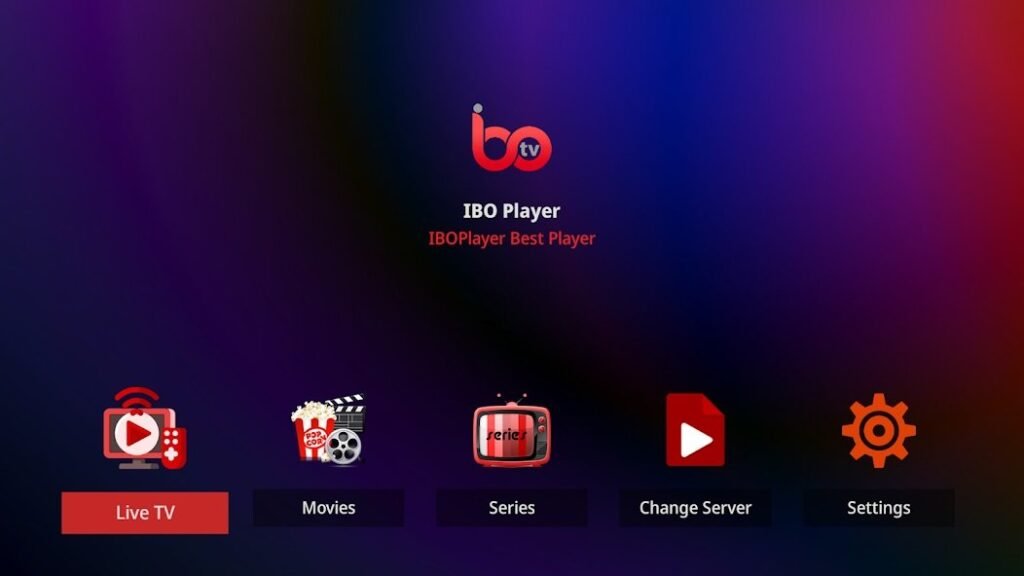
The IBO Player EPG, the electronic program guide, turns a simple list of channels into real television: You can see what’s on right now, what’s coming up next, and switch channels to watch specific shows. At the same time, it’s one of the most common sources of errors: blank screens, incorrect times, and channels with no programming. This guide explains how the program guide works, how to set it up, and how to solve common problems.
In short: When using Xtream login credentials, IBO Player usually loads the EPG automatically. When using an M3U link, you often need to specify an EPG address in XMLTV format as well. If the program guide is empty, set the device’s time to automatic and update the EPG in the settings.
What is the EPG in IBO Player?
EPG stands for Electronic Program Guide. It displays the current program, the time, the duration, and often a brief description for each channel. With IPTV, the program guide is transmitted separately from the video streams, usually as a file in XMLTV format. IBO Player downloads this file and assigns the programs to the channels.
It is precisely this two-step process that explains most of the problems: The stations can function even while the program guide is still missing.
Here's how to add the IBO Player EPG to the app
| Playlist Type | EPG | What to Do |
|---|---|---|
| Xtream Login Credentials | Usually automatically | Nothing; if necessary, update the EPG |
| M3U Link | Partially included | Add EPG Address (XMLTV) |
| M3U file | Rarely contain | Add EPG Address (XMLTV) |
That's why we recommend using your Xtream login credentials whenever possible. Our article explains how to add playlists How to Upload Playlists to Ibo Player.
Set Up the IBO Player EPG
- Add your playlist via the IBO Player website, using your MAC address and device key.
- If you have an M3U link, enter your provider's EPG address in the corresponding field, if one is available.
- Restart IBO Player on the device.
- Open the app's settings and refresh the EPG.
- Please wait a few minutes: The EPG file may be large.
The IBO Player EPG is empty: Solutions
- Check the time: The device's date and time must be set automatically. Even a slight discrepancy can clear the TV guide.
- Update EPG: Reload the program guide in the app's settings.
- Be patient: Large EPG files take a few minutes.
- Restart the app: Close IBO Player completely and then open it again.
- Add a New Playlist: Remove the playlist from the website and add it again.
Incorrect times in the TV guide
If the programs are off by one or two hours, it's usually a time zone issue. First, check the device's time zone. If the offset persists, look for an EPG time offset option in the IBO Player settings and adjust it in one-hour increments.
Some stations have no programming
This is normal for some of the channels. The program guide assigns an identifier to each channel. If a channel is missing from the EPG file, it will not appear in the program guide. Major channels are usually well covered, while local or specialty channels are less so. This is not a bug in IBO Player.
IBO Player EPG on Various Devices
| Device | Distinctive Feature |
|---|---|
| Smart TV (Samsung, LG) | Set the TV's time to automatic |
| Fire TV Stick | Clear the cache if the EPG is loading slowly |
| Android TV | Check the time zone in System Settings |
| Smartphone | Update the EPG via Wi-Fi |
To find out which devices IBO Player supports, see Devices that are compatible with IBO Player.
Conclusion
The IBO Player EPG works most reliably with Xtream login credentials. If you encounter any problems, first check the device's time, then update the program guide and give it a few minutes to load. The XMLTV format, on which most program guides are based, is available at Wikipedia described in more detail.
More about IBO Player You can find it on our homepage. If you have any further problems, check out our article Common problems with IBO Player and their solutions.
Frequently Asked Questions
What is the EPG in IBO Player?
The electronic program guide shows what's currently airing and what's coming up next for each channel. It is loaded separately from the streams in XMLTV format.
Why is the EPG on my IBO Player empty?
This is usually because the time on the device is incorrect or because the program guide hasn't loaded yet. Set the time to automatic and refresh the EPG.
How do I correct incorrect times in the TV guide?
Check the device's time zone and use the EPG time shift option in the IBO Player settings.
Does the EPG work with an M3U link?
Partially. Often, you'll also need to enter an EPG address in XMLTV format. With Xtream login credentials, the program guide is usually loaded automatically.
Why don't some stations have any programming?
They are not included in the EPG file. This mainly affects local or specialty channels and is not a bug in the app.
How often is the program guide updated?
The app refreshes the EPG regularly. If necessary, you can manually start the update at any time in the settings.