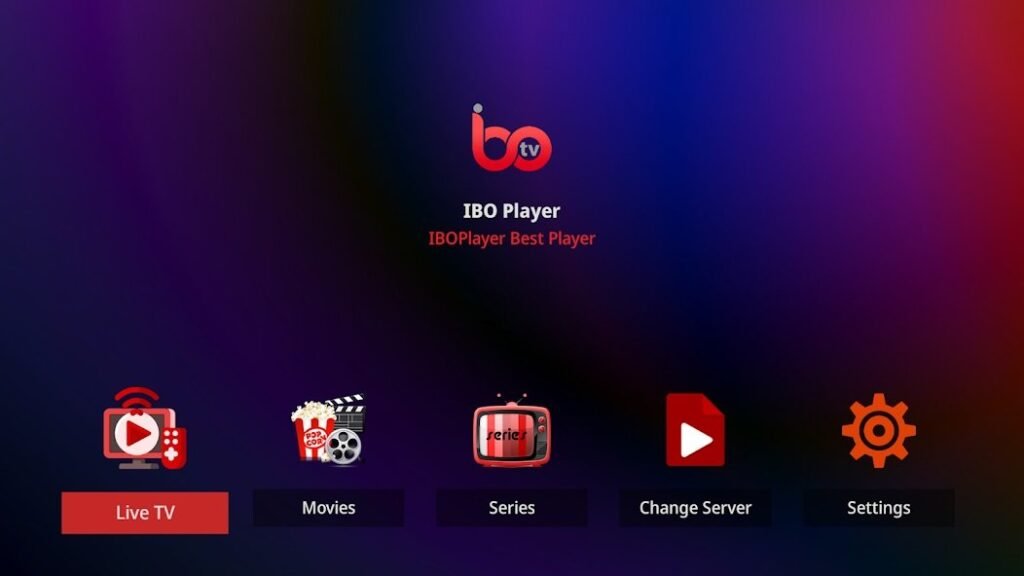
Installing and setting up IBO Player is quick and easy. With this guide, you can get the most out of the app and stream your favorite content with ease. Whether on your smart TV, smartphone or Fire TV - we'll show you how.
Step 1: Download and install IBO Player
The first step is to install the app on your preferred device. Here you can find out how to install IBO Player on different platforms:
For smart TVs
- Open the App Store of your Smart TV (e.g. Samsung Smart Hub or LG Content Store).
- Search for "IBO Player" and select the app.
- Click on "Install" and wait until the process is complete.
For smartphones and tablets
- Open the Google Play Store (Android) or App Store (iOS).
- Enter "IBO Player" in the search bar and download the app.
- After installation, start the app and continue with the next steps.
For Fire TV and Android TV
- Navigate to your device's app store or download the APK file from the official website down.
- Install the file and enable the required authorizations.
Important: Make sure that you only download the app from trustworthy sources to avoid security risks.
Step 2: Registration and activation
After installation, registration is required to link the app to your device.
1. open the app and note down the information
- Start the IBO Player app on your device.
- On the welcome screen, you will be shown a Device ID and a key is displayed. Write down this data.
2. registration on the website
- Visit the official website of IBO Player (https://iboiptv.com/activation).
- Enter the device ID and the key that were displayed to you.
- Select a Subscription (a free trial period is often offered).
- After successful registration, your device will be activated automatically.
Step 3: Upload playlist
IBO Player requires external playlists to display content such as live TV, movies or series. Find out how to add your playlist here:
1. prepare playlist
- Get yourself a M3U URL or Xtream codes from your IPTV provider.
- A typical M3U URL looks something like this:
http://server.com:8080/get.php?username=USER&password=PASS&type=m3u.
2. add playlist in the app
- Open the app and navigate to the "Add playlist" menu item.
- Enter the M3U URL or the Xtream codes in.
- Save the settings.
3. synchronization of the contents
- The app synchronizes your content automatically. After a few seconds, channels, movies and series should be displayed in the app.
Step 4: Use additional functions
IBO Player offers more than just playing content. Here are some advanced features you can set up:
1 EPG (Electronic Program Guide)
- Activate the EPG to get an overview of the current TV program.
- Go to the settings and download the EPG data for your playlist.
2. create favorites list
- Mark frequently used channels or content as favorites so that you can access them more quickly.
3. multi-screen function
- Use the multi-screen function to view several contents at the same time.
4. customization of the user interface
- Change the color scheme or adapt the arrangement of the menus to your needs.
Common problems and solutions
Even though setting up IBO Player is easy, problems can occasionally occur. Here are some typical challenges and how you can solve them:
1. the playlist does not load
- Check the Internet connection and make sure that the M3U URL has been entered correctly.
- Update the playlist in the app settings.
2. the app crashes
- Make sure that you have installed the latest version of the app.
- Restart your device and check whether there is enough memory available.
3. channels are not available
- Check the validity of your Xtream codes or M3U URL.
- Contact your IPTV provider to ensure that your playlist is active.
Safety tips for the use of IBO Player
To ensure that you can use IBO Player safely and legally, you should note the following points:
- Only use legal playlists: Use content from providers who have the appropriate licenses.
- Use VPN: Protect your privacy and avoid possible geographical restrictions.
- Regular updates: Always keep the app up to date to avoid security risks.
- Trusted sources: Only download the app and playlists from reliable and known sources.
Why IBO Player is the right choice
IBO Player is a flexible and powerful IPTV app that allows you to stream content on a variety of devices. The simple user interface, support for M3U playlists and Xtream codes and advanced features make it the ideal solution for streaming fans.
Whether you are a beginner or an experienced user, with this guide you can set up IBO Player in less than 10 minutes and get started right away.